> For the complete documentation index, see [llms.txt](https://guide.lunabudgeting.com/llms.txt). Markdown versions of documentation pages are available by appending `.md` to page URLs; this page is available as [Markdown](https://guide.lunabudgeting.com/features/account-tracking.md).
# Account tracking
Track bank accounts, credit cards and cash
## What is account tracking?
If you want a better view of your finances (and more peace of mind) you can track accounts like bank accounts and credit cards in Luna.
{% hint style="info" %}
Account tracking is manual so we do not automatically pull transactions or balances (for now)
{% endhint %}
Accounts
## Bank accounts vs Credit Cards
Bank accounts function as you would expect, as you spend money the balance goes down.
Credit cards are a bit different because as you spend money, the balances goes up!
Once you pay off your credit card, the balance goes back to $0 (or however much you paid).
Bank account
Credit card
## How to pay off credit card
To pay off credit cards, you need to make a transfer (from a bank account to the credit card account).
To make a transfer, create a new transaction and select "Transfer" as the type
If you don't want to make a transfer, you can also do a manual adjustment and make the note that you made a credit card payment. More on adjustments below!
## What are adjustments
Adjustments let you manually change the account balance in cases where the balance in Luna doesn't match the balance in real life.
This is useful if:
1. There is a transaction you can't find (or you don't want to go back and track it)
2. It's been a while since you used Luna and you don't want to go back and enter all those transactions
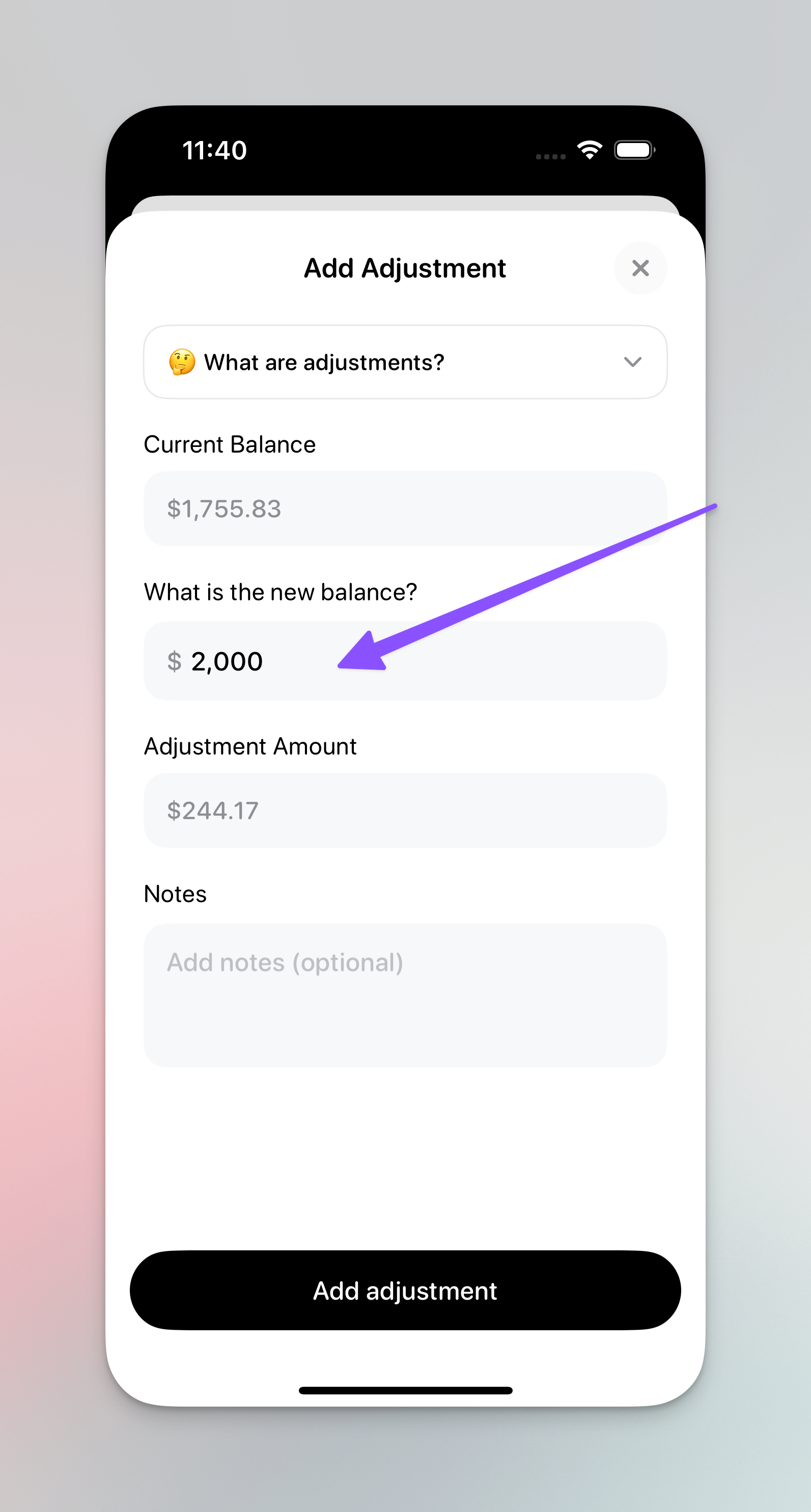
Click "Add adjustment" at the top right of the account and we'll ask you for the new balance.
Once you enter that, we'll make an adjustment and you'll see it on the account.
Add adjustment button
Add adjustment screen
Adjustment log
{% hint style="info" %}
Adjustments are NOT a bad thing. You are not doing anything wrong if you are using this feature often :fingers\_crossed:
{% endhint %}